


What Is Web Designing? A Complete Guide to Web Design in 2026
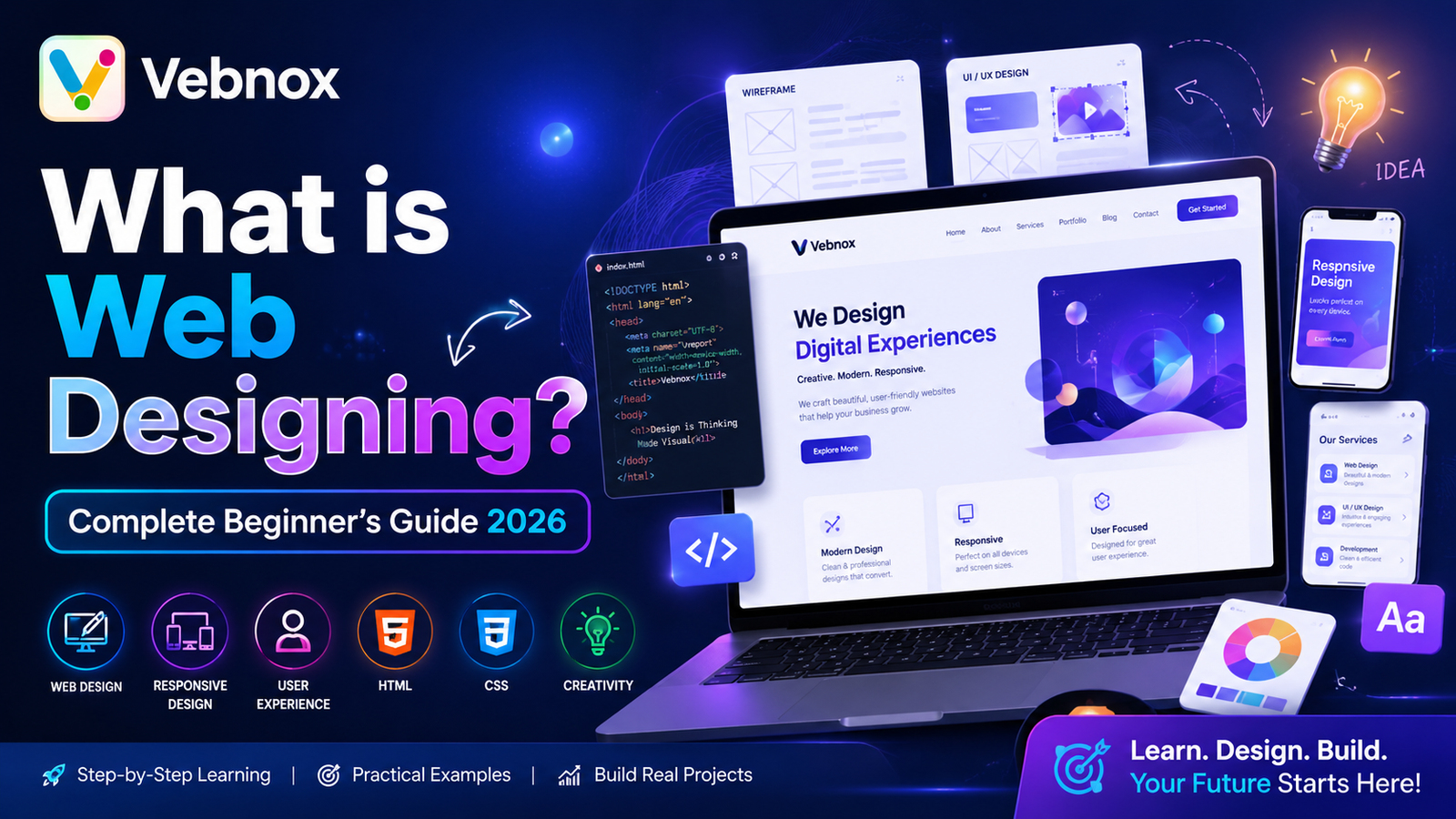
What Is Web Designing?
Web designing is the process of creating and designing websites that are visually appealing, user-friendly, responsive, and functional. It involves planning the layout, structure, colors, typography, graphics, navigation, and overall user experience of a website.
In simple terms, web designing focuses on how a website looks and feels when users interact with it. A well-designed website helps visitors find information quickly, improves engagement, and supports business goals such as generating leads, increasing sales, or building brand awareness.
As businesses continue to strengthen their online presence, web designing has become one of the most important aspects of digital success.
Table of Contents
- What Is Web Designing?
- Why Is Web Designing Important?
- Types of Web Design
- Key Elements of Web Designing
- Principles of Effective Web Design
- Web Designing vs Web Development
- Essential Web Design Tools
- Skills Required for Web Designing
- Benefits of Professional Web Design
- Career Opportunities in Web Designing
- Future Trends in Web Design
- Conclusion
- Frequently Asked Questions
Why Is Web Designing Important?
A website often creates the first impression of a business. Users typically decide within seconds whether they want to stay on a website or leave it.
Effective web designing helps:
- Improve user experience
- Increase website credibility
- Enhance brand identity
- Boost search engine rankings
- Increase conversion rates
- Improve mobile accessibility
- Reduce bounce rates
A professionally designed website can significantly impact customer trust and business growth.
Types of Web Design
1. Static Web Design
Static websites display fixed content and are ideal for small businesses or personal portfolios. These websites are simple, fast, and cost-effective.
Advantages:
- Faster loading speed
- Lower maintenance costs
- High security
2. Dynamic Web Design
Dynamic websites generate content in real time and often use databases. Examples include e-commerce stores, social media platforms, and blogs.
Advantages:
- Interactive functionality
- Easy content updates
- Personalized user experience
3. Responsive Web Design
Responsive design ensures a website automatically adjusts to different screen sizes and devices.
Benefits:
- Better mobile experience
- Improved SEO performance
- Increased user engagement
4. Adaptive Web Design
Adaptive websites use predefined layouts for specific screen sizes and devices.
Benefits:
- Faster performance
- Optimized user experience
- Greater control over layouts
Key Elements of Web Designing
A successful website combines several design components.
Layout
The layout determines how content is arranged on a webpage. A clean and organized layout improves readability and usability.
Color Scheme
Colors influence user emotions and brand perception. Effective color selection helps create a professional and memorable website.
Typography
Typography includes fonts, font sizes, line spacing, and text hierarchy. Readable typography enhances user experience.
Images and Graphics
High-quality visuals improve engagement and communicate information more effectively.
Navigation
Simple navigation helps users find information quickly and improves website usability.
Content Structure
Well-organized content ensures visitors can easily understand information and take desired actions.
Principles of Effective Web Design
User-Centered Design
Websites should be designed with users' needs and expectations in mind.
Simplicity
Simple designs improve usability and reduce distractions.
Consistency
Consistent colors, fonts, and layouts create a cohesive user experience.
Visual Hierarchy
Important elements should stand out using size, color, spacing, and positioning.
Mobile-Friendly Design
Since most users browse websites on mobile devices, responsive design is essential.
Fast Loading Speed
Users expect websites to load quickly. Optimized images and clean code improve performance.
Web Designing vs Web Development
Many people confuse web designing with web development, but they serve different purposes.
| Web Designing | Web Development |
|---|---|
| Focuses on appearance and user experience | Focuses on functionality and coding |
| Uses design tools | Uses programming languages |
| Creates layouts and visuals | Builds website features |
| Involves UX and UI design | Involves front-end and back-end development |
Web Designer Responsibilities
- Designing layouts
- Creating wireframes
- Choosing colors and fonts
- Improving user experience
Web Developer Responsibilities
- Writing code
- Building databases
- Implementing website functionality
- Managing server operations
Essential Web Design Tools
Professional web designers use various tools to create modern websites.
Design Tools
- Figma
- Adobe XD
- Sketch
- Canva
Graphic Design Tools
- Adobe Photoshop
- Adobe Illustrator
Prototyping Tools
- InVision
- Marvel
Website Builders
- WordPress
- Wix
- Squarespace
These tools help designers create visually appealing and functional websites efficiently.
Skills Required for Web Designing
To become a successful web designer, you should develop the following skills:
Technical Skills
- HTML
- CSS
- Basic JavaScript
- Responsive design
- UI/UX principles
Creative Skills
- Color theory
- Typography
- Layout design
- Visual storytelling
Soft Skills
- Communication
- Problem-solving
- Time management
- Attention to detail
Benefits of Professional Web Design
Investing in professional web design offers numerous advantages.
Better User Experience
Visitors can navigate easily and find information quickly.
Improved SEO Performance
Search engines favor websites that provide excellent user experience and mobile responsiveness.
Higher Conversion Rates
Strategic design encourages users to take action, such as making purchases or filling out contact forms.
Strong Brand Identity
Consistent design elements strengthen brand recognition.
Competitive Advantage
A professional website helps businesses stand out in crowded markets.
Career Opportunities in Web Designing
Web design remains one of the most in-demand digital skills.
Popular career paths include:
- Web Designer
- UI Designer
- UX Designer
- Front-End Designer
- Product Designer
- WordPress Designer
- Freelance Web Designer
Many businesses, startups, and agencies actively seek skilled web designers.
Future Trends in Web Design
The web design industry continues to evolve with new technologies and user expectations.
AI-Powered Design
Artificial intelligence is helping designers automate repetitive tasks and create personalized experiences.
Dark Mode Interfaces
Dark themes remain popular due to their modern appearance and improved readability.
Micro-Interactions
Small animations improve engagement and provide visual feedback.
Voice User Interfaces
Voice-enabled experiences are becoming increasingly common.
Minimalist Design
Clean, uncluttered layouts continue to dominate modern web design.
Accessibility-Focused Design
Designers are increasingly prioritizing websites that are accessible to all users.
How to Start Learning Web Designing
If you're a beginner, follow these steps:
- Learn web design fundamentals.
- Understand UI and UX principles.
- Practice using Figma or Adobe XD.
- Learn HTML and CSS.
- Create sample website projects.
- Build a portfolio.
- Stay updated with industry trends.
- Take freelance projects or internships.
Consistent practice is the key to becoming a successful web designer.
Conclusion
Web designing is the art and science of creating attractive, functional, and user-friendly websites. It combines creativity, technology, and user experience principles to build websites that engage visitors and achieve business goals.
Whether you want to start a career in web design, build your own website, or improve your business's online presence, understanding web designing is an essential first step. As technology evolves, web designers will continue to play a crucial role in shaping the digital experiences of the future.
Frequently Asked Questions (FAQs)
What is web designing in simple words?
Web designing is the process of creating the visual appearance, layout, and user experience of a website.
Is web designing a good career?
Yes, web designing is a rewarding career with strong demand across industries and opportunities for freelancing and remote work.
What skills are required for web designing?
Key skills include HTML, CSS, UI/UX design, typography, color theory, responsive design, and creativity.
How long does it take to learn web designing?
Basic web design skills can be learned in a few months, while becoming a professional designer may take 6–12 months of consistent practice.
Does web designing require coding?
Basic coding knowledge such as HTML and CSS is beneficial, but many design tasks can be performed using visual design tools.
Is web designing important for SEO?
Yes. Good web design improves user experience, site speed, mobile responsiveness, and navigation, all of which contribute to better SEO performance.